
Ideal para: Beginners who want a simple and free way to change location
Cualquiera
 100% Seguro. Sin anuncios.
100% Seguro. Sin anuncios.
It seems to me that nowadays a lot of people want to change their GPS location for a number of reasons, e.g., gaming, protecting privacy, or testing the functionality of different programs. If you are the same as I am, then probably you have been looking for a reliable aplicación de ubicación simulada that really functions and does not expose your device in any way, right?
So what's GPS spoofing actually? In short, it's the act of tricking your phone into showing apps that you're at a different place from your real one. This can be helpful, especially when playing games such as Pokémon Go or for software engineers, but the main thing is to be responsible in its usage. A few apps and games have very strict rules, and if you get caught using spoofing tools, that might result in warnings or, in some cases, soft bans.
In this review, I’ll walk you through the best mock location apps you can use so you can choose the one that fits your needs without the guesswork.
Cómo probamos
When I review each mock location app, I tested these tools based on common use cases like gaming, especially Pokémon GO, privacy protection, and basic location changing for apps. Here’s exactly how I evaluate every yet another mock location app or fake location app included in this list:
From my experience, not all tools are created equal. Some free apps work well for basic location changes but may lack stability or safety features. On the other hand, PC-based tools tend to be more reliable and safer, especially for gaming.
I also prioritize tools that:
This way, I can confidently recommend only the tools that actually work and are worth trying.
| Nombre de la aplicación | Soporta Sistema operativo | Modo Joystick | Precio | Seguridad |
| Fake GPS Location (Lexa) | Android | No | Free | Media |
| Emulador de GPS | Android | No | Free | Media |
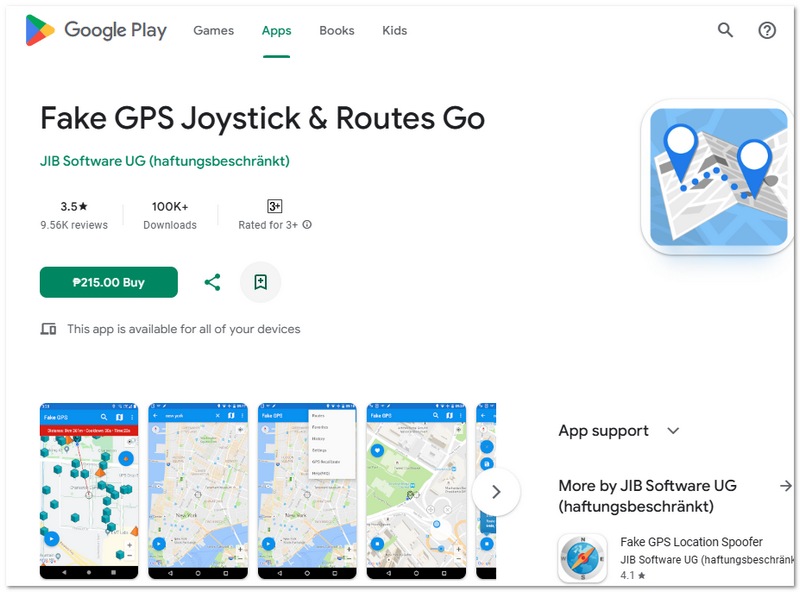
| Joystick GPS falso y Routes Go | Android | Sí | Gratis / Pagado | Medio-bajo |
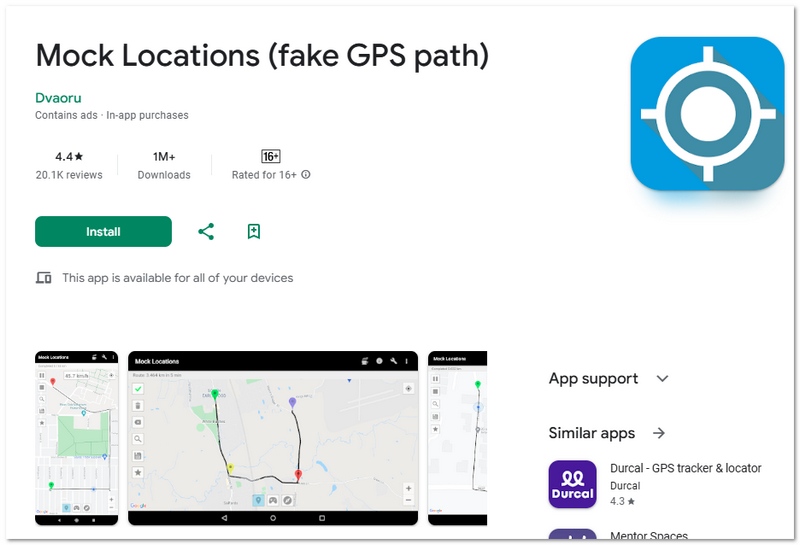
| Mock Locations (Dvaoru) | Android | Sí | Free | Media |
| Aiseesoft AnyCoord | iOS & Android (PC) | Sí | Respiro | Alto |
You don’t need to root your Android device to change your GPS location. There are simple apps that let you falsificar tu ubicación using developer settings. In this section, I’ll share the best no-root options that are easy to use and reliable.
Ideal para: Beginners who want a simple and free way to change location
puntuación:4.0/5
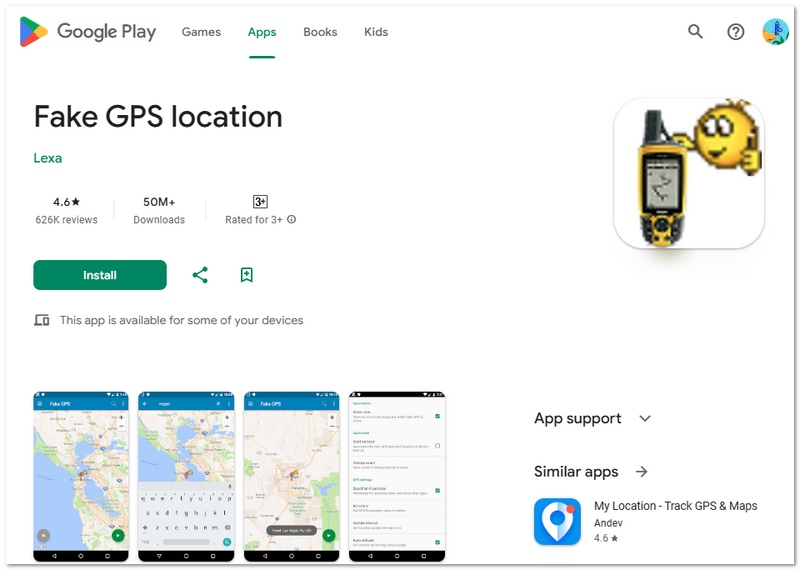
If you’re just getting started with GPS spoofing, Fake GPS Location (Lexa) is one of the easiest tools to try. It’s a straightforward mock GPS app that lets you change your location with just a few taps, with no complicated setup or extra features to worry about. It’s especially useful for casual users who only need basic location changes without spending money.
Ventajas
Desventajas
This is a good place to start if all you need is a simple location changer without any sophisticated settings.
Ideal para: Users who want a simple and lightweight tool with minimal setup
puntuación:4.0/5
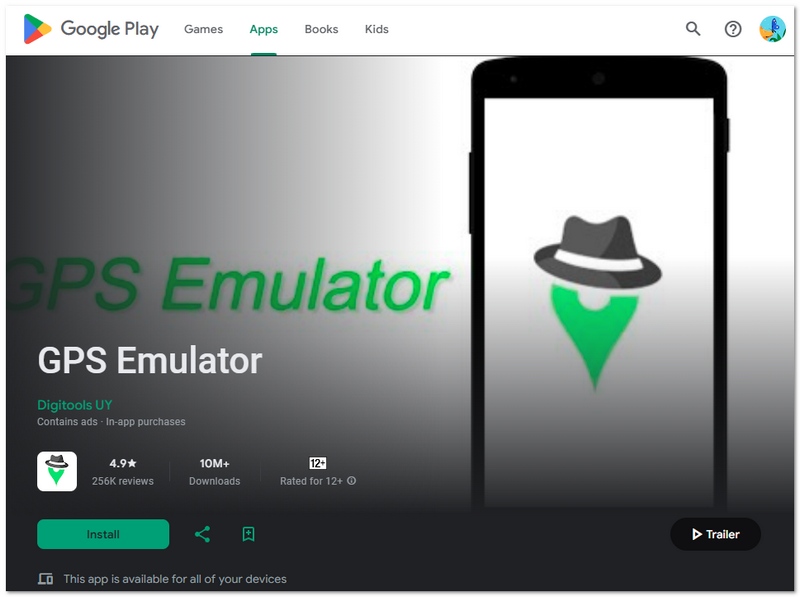
GPS Emulator is an excellent choice if you like a simple and plain Aplicación de falsificación de GPS for fake location. It aims at performing one single task exceptionally - changing your GPS location in a jiffy without adding unnecessary features. Due to its low weight, it performs without any problem even on lower-end devices, which makes it a good daily use choice.
Ventajas
Desventajas
Overall, it’s a solid pick if you want a fast and simple tool without extra complexity.
Ideal para: Users who want full control with joystick movement and route simulation
puntuación:4.5/5
If advanced controls are what you want, Fake GPS Joystick & Routes Go is probably one of the best mock location app options for Android that many people talk about. It not only changes the location but also provides joystick navigation and route simulation features, so your movement will look more natural, which is very useful, for example, in location-based games.
Ventajas
Desventajas
Overall, this app is ideal if you want a more immersive and controlled GPS spoofing experience.
Ideal para: Developers and advanced users who need detailed location testing
puntuación:4.0/5
Mock Locations (Dvaoru) is developer-oriented and thus provides a lot more control and freedom than the usual spoofing apps. Many people even have it on the list when they are looking for the best GPS mock location app because of the features it has for things like app testing, motion simulation, and technical customization of location behavior.
Ventajas
Desventajas
This program is ideal if you require more control and capability than simple GPS spoofing.
Ideal para: Users who want a safer, more advanced, and stable GPS spoofing experience for gaming, privacy, or app testing
puntuación:5.0/5
In my opinion, the majority of mobile-only apps have drawbacks, particularly in terms of stability and detection threats. Aiseesoft AnyCoord truly shines in that regard. It’s a PC-based tool that gives you full control over your device’s GPS location without needing to root or jailbreak. What I like most is how smooth and realistic the movement feels, which is a huge advantage for games and location-based apps.
Unlike basic apps, this tool lets you change location instantly or simulate real movement with routes and joystick control. It’s also widely compatible with both Android and iOS devices, making it a more flexible option overall.
Ventajas
Desventajas
If I were to pick only one tool, this is exactly what I would go for. Mobile apps usually don't offer the same level of control that AnyCoord can give. It enables you to move more smoothly, and it has a GPS behavior that feels much more natural. This last feature is very important, especially when you're trying to stay under the radar in games or apps.
If you’re serious about GPS spoofing and want something reliable long-term, this is easily the strongest option in the list.
Do I need to enable Developer Options to use a mock location app?
Yes, most Android mock location apps require you to enable Developer Options and select the app as your default mock location provider before cambiar tu ubicación en Android.
Can mock location apps work without an internet connection?
Yes, many apps can change your GPS location offline, but maps and location-based services may need the internet to load properly.
Can I use multiple mock location apps at the same time?
No, Android only allows one mock location app at a time. Using multiple apps can cause errors or conflicts.
Conclusión
Elegir aplicación de ubicación falsa depends on your needs. Simple apps work for basic use, while advanced tools offer better control and safety. Always prioritize reliability and use them responsibly.
 Rastrea la ubicación de tu teléfono celular a través de 7 rastreadores de ubicación de teléfonos
¿Cómo rastrear la ubicación actual de un teléfono móvil? Este artículo incluye siete aplicaciones para rastrear la ubicación de teléfonos que te permitirán hacerlo fácilmente en tu iPhone o teléfono Android.
 Maneras notables de enviar una ubicación GPS falsa en iPhones y Android
¿Busca la forma más fácil de enviar una ubicación GPS falsa en su teléfono Android o iPhone? Tienes suerte ya que demostramos el procedimiento con detalles.
 Cómo cambiar la ubicación en Firefox: 4 métodos sencillos explicados
Descubra formas inteligentes para cambiar la ubicación de Firefox usando Firefox con proxy, extensiones o herramientas de suplantación de GPS, sin necesidad de una configuración complicada.
Aiseesoft AnyCoord puede ayudarlo a ocultar, falsificar o cambiar su ubicación GPS a cualquier otro lugar con facilidad. Incluso puede planificar una ruta móvil si es necesario.
100% Seguro. Sin anuncios.
100% Seguro. Sin anuncios.

*Campo requerido
*Por favor ingrese un correo electrónico válido